OmniLume Reel 0.2.0 User Manual
OmniLume Reel is a desktop video-material workspace. Local files, platform search results, and video links enter one analysis flow and become searchable scenes, tags, notes, and exportable clips.
This manual applies to version 0.2.0. Documentation URLs keep both locale and version so future releases can coexist.
https://doc.omnilume.uk/en/0.2.0/
note
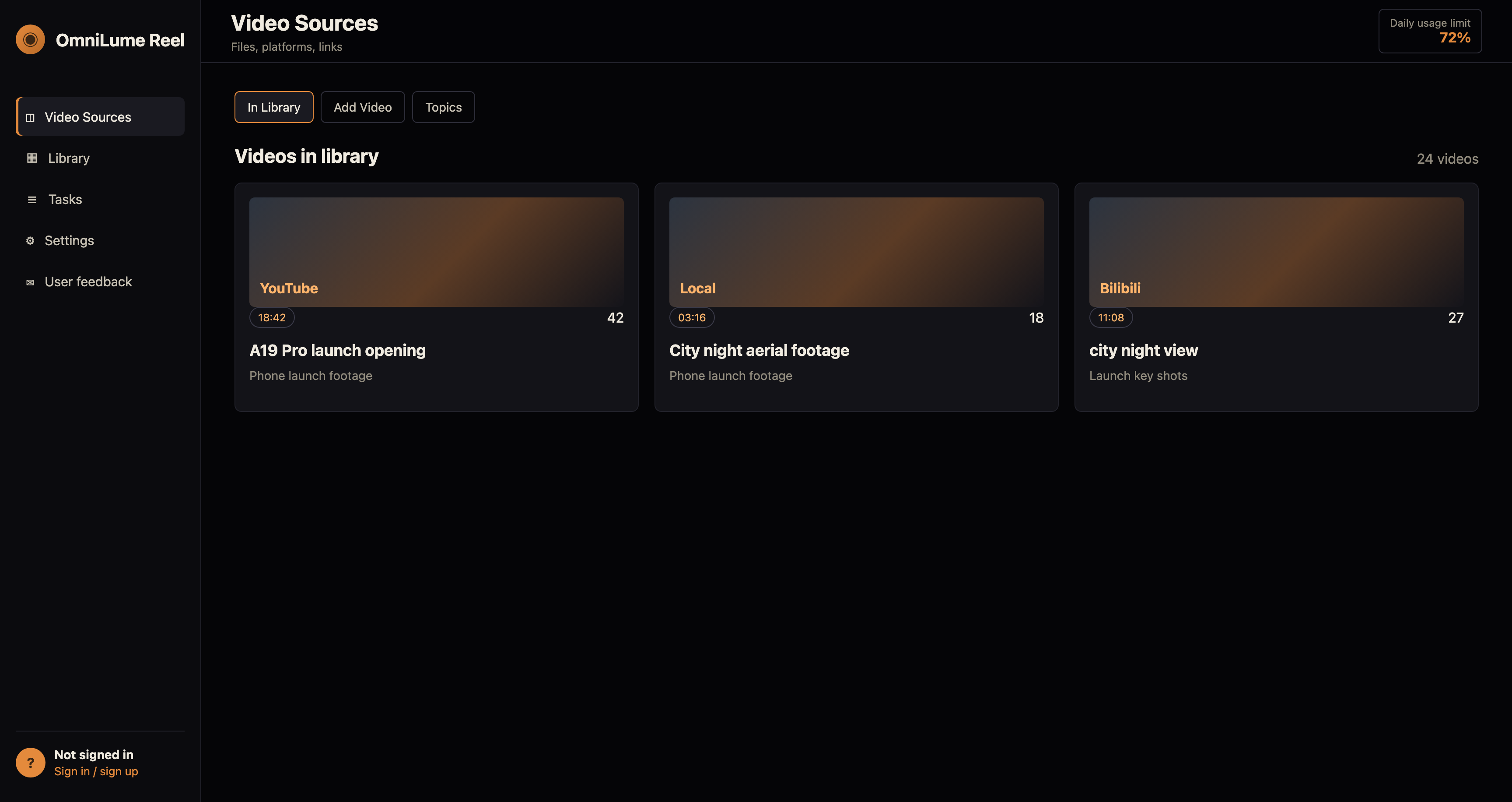
Screenshots use the 0.2.0 interface in this language with sample data. Button positions, page structure, and workflows match the desktop client.
What You Can Do
- Choose one or more video files. Each file enters the analysis queue.
- Search enabled platforms by keyword, then send selected results to analysis.
- Paste a video page URL. We'll check support first, then add it to analysis.
- Scene search · semantic:
speaker showing a chip. - No clips collected yet. Search scenes, then click Collect clip.
- No tasks yet. Open Sources and import or discover a video to start.
- Tell us about a problem, suggestion, or expectation. Feedback is stored as an anonymous conversation; email is optional.
Core Concepts
- Video source: the original imported or downloaded video record.
- Material: an analyzed video source with scenes, tags, notes, and playback state.
- Scene: a time segment with description, keywords, and thumbnail, ready for search and export.
- Collected clips: temporary selected scenes for review or export.
- Collection: a project-oriented group of clips.
- Topic: a group of analyzed video sources used to narrow scene search.
Main Pages
- Video Sources: Local files, platform search, and video links all enter the same analysis flow.
- Library: Adopted clips
- Tasks: Analysis queue
- Settings: Preferences and diagnostics
- User feedback: Track replies like an inbox